

About This File
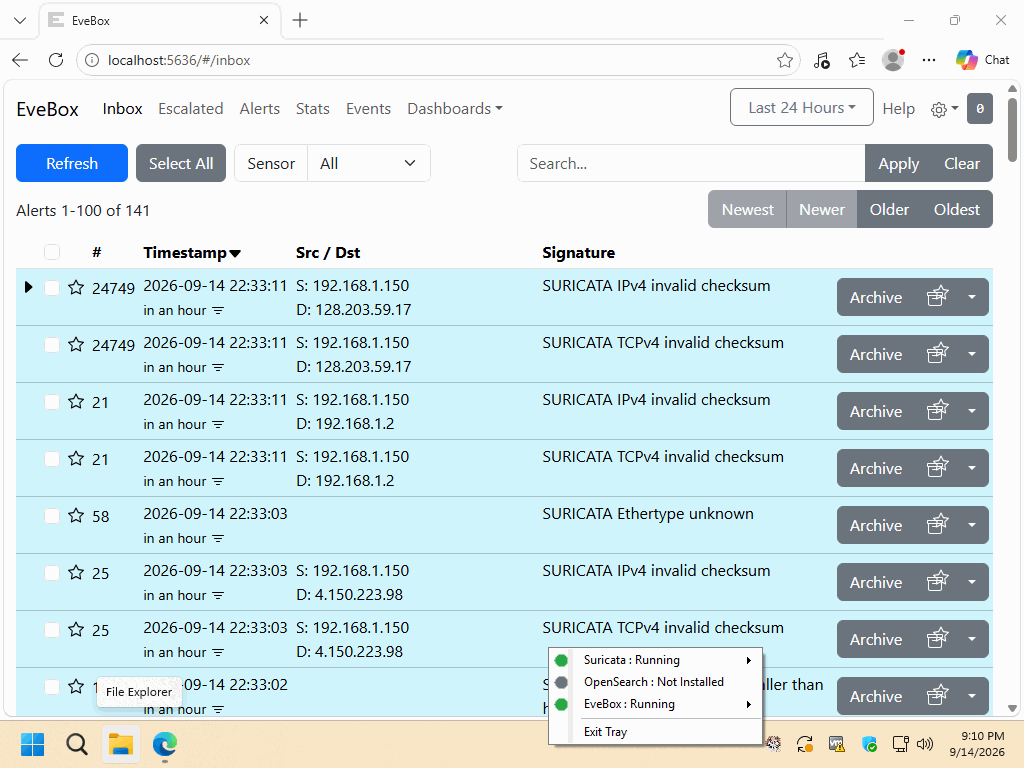
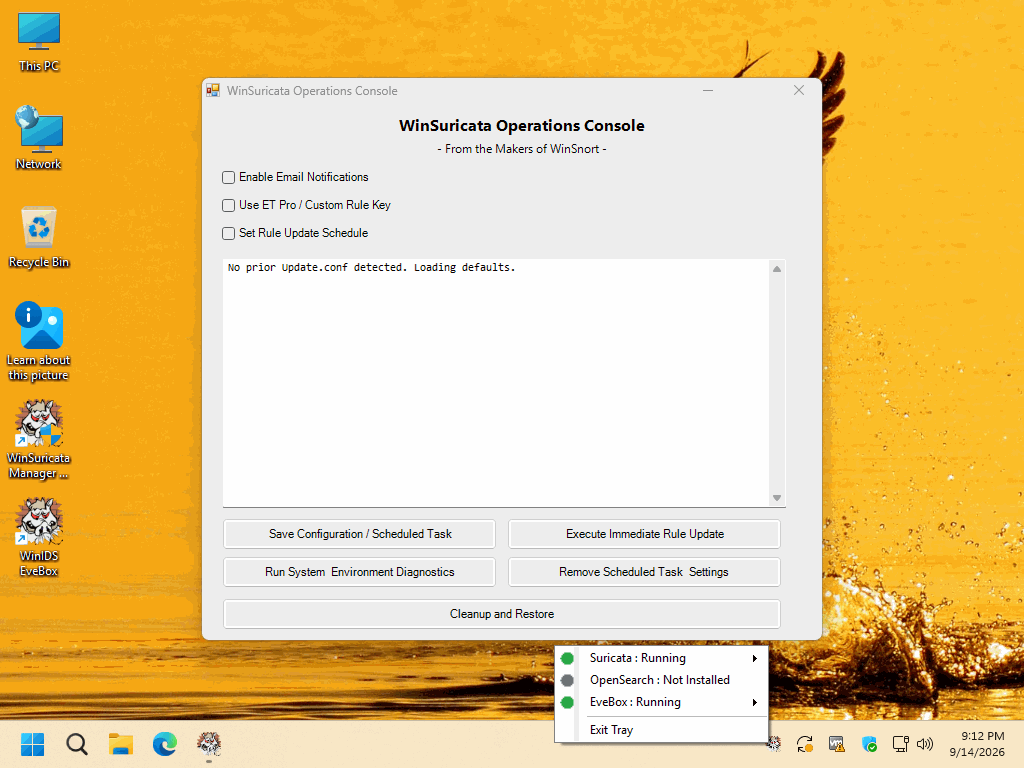
The WinSuricata Console Edition — EveBox + SQLite is designed as an add-on to the WinSuricata Core Edition, extending the existing detection framework with a standalone, web-based security console. It builds directly on the Suricata EVE JSON event stream, adding EveBox, local SQLite-backed event storage, and the supporting Windows services required for local alert management and analysis. The Console Edition preserves the underlying Core Edition installation and does not replace the local Suricata detection engine.
Once installed, the Console Edition provides local alert management, event search, visualization, and persistent historical event storage through a web browser on TCP port 5636. Installation, service registration, SQLite database configuration, EVE JSON ingestion, and local web access are automated to minimize manual configuration. This modular architecture provides a complete standalone event analysis environment without requiring OpenSearch, OpenSearch PKI configuration, a centralized WinSuricata Host, or Remote Node registration.
Complete installation instructions, deployment requirements, verification procedures, troubleshooting information, architecture details, and the final deployment checklist are included in the `README-INSTALL.txt` file contained within this package. Please review the included documentation before beginning the installation and retain it for future administration and troubleshooting.
PACKAGE SECURITY & INTEGRITY
Before extracting or installing the package, verify the downloaded ZIP file against the published SHA-1 hash to confirm that the archive has not been corrupted or altered.
	Archive Password : w1nsn03t.c0m
	SHA-1 Hash       : 01D472083D32FF0F10463529038BB22818CFE1E6
To verify the package in Windows, run the following command from Command Prompt or PowerShell, replacing the filename if necessary:
certutil -hashfile "WinSuricata-Console-Installer.zip" SHA1
The calculated SHA-1 value must match the published value exactly. If the hash does not match, do not extract or install the package. Obtain a new copy from the authorized distribution source and perform the verification again.