

About This File
The WinSuricata Core Edition provides the foundational Windows sensor and detection engine for the WinSuricata deployment framework. It installs and configures the Suricata IDS/IPS engine, Npcap packet capture, rule management infrastructure, Windows service integration, and supporting system components required to inspect network traffic and generate the Suricata EVE JSON event stream. The Core Edition operates independently without requiring EveBox or OpenSearch, providing the underlying detection framework upon which the optional WinSuricata add-on editions are built.
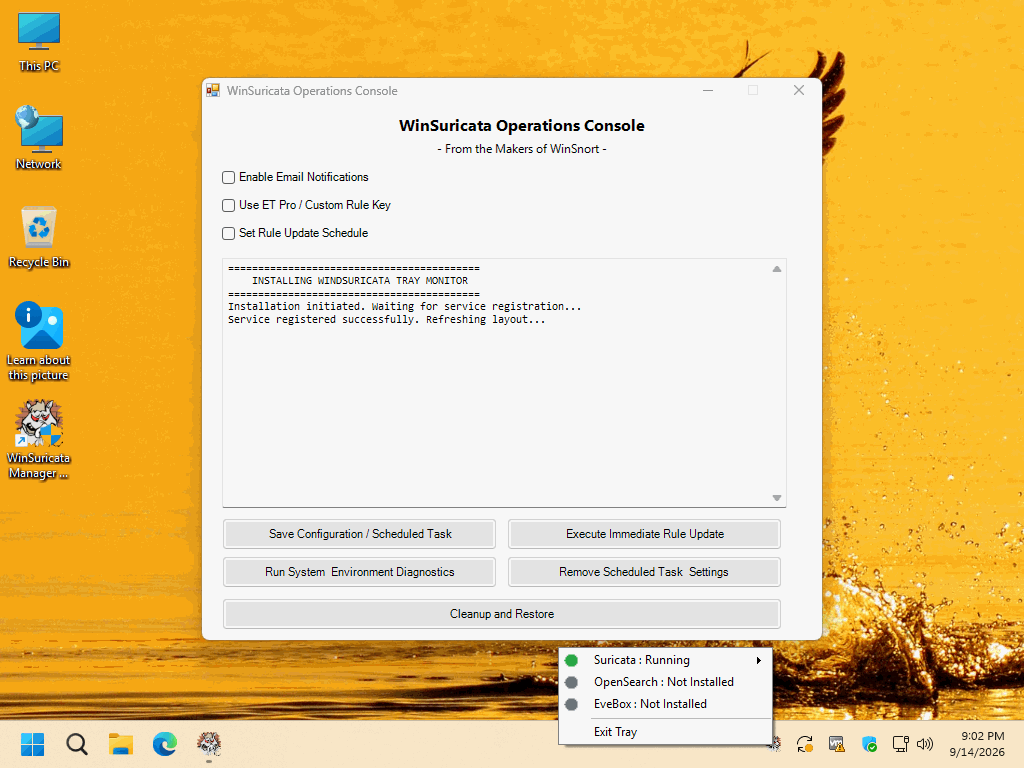
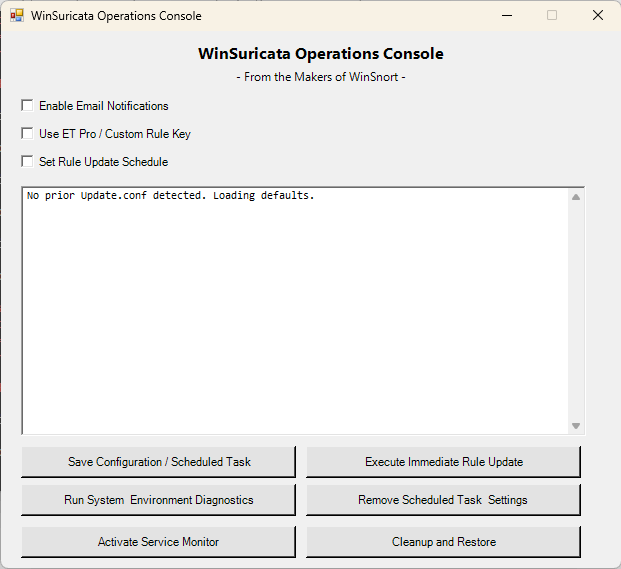
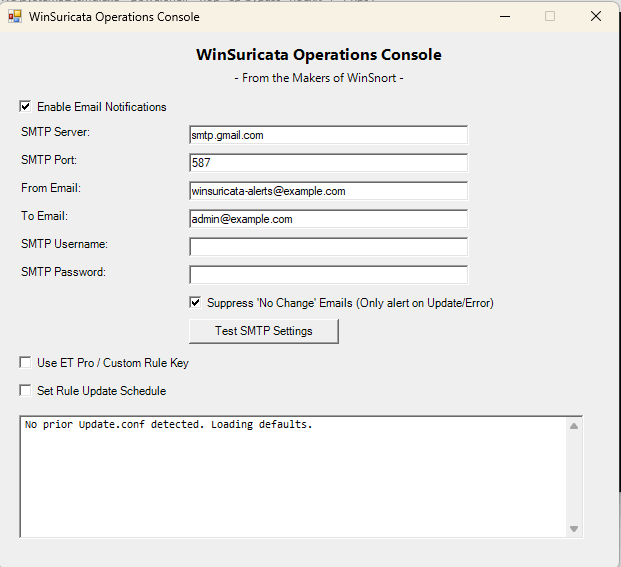
Once operational, the Core Edition provides the complete local detection pipeline, from network packet capture and Suricata inspection to EVE JSON event generation. It also includes the WinSuricata Operations Console, rule update management, diagnostics, service monitoring, and recovery utilities. Installation and configuration of the core sensor components are automated to minimize manual configuration and establish a consistent foundation for subsequent deployment options.
The resulting eve.json event stream serves as the foundation for the optional add-on editions: WinSuricata Console Edition — EveBox + SQLite, WinSuricata Host Edition — EveBox + OpenSearch + OpenSSL, and WinSuricata Node Edition — Remote OpenSearch Logging. This modular architecture allows a single Core Edition installation to be extended into a standalone event analysis console, a centralized Host platform, or a Remote Node deployment while preserving the underlying Suricata detection engine and local event generation.
Complete installation instructions, deployment requirements, verification procedures, troubleshooting information, architecture details, and the final deployment checklist are included in the `README-INSTALL.txt` file contained within this package. Please review the included documentation before beginning the installation and retain it for future administration and troubleshooting.
PACKAGE SECURITY & INTEGRITY
Before extracting or installing the package, verify the downloaded ZIP file against the published SHA-1 hash to confirm that the archive has not been corrupted or altered.
	Archive Password : w1nsn03t.c0m
	SHA-1 Hash       : CFDA958CDFB7ECF695855D863120D855642AED81
To verify the package in Windows, run the following command from Command Prompt or PowerShell, replacing the filename if necessary:
certutil -hashfile "WinSuricata-Core-Installer.zip" SHA1
The calculated SHA-1 value must match the published value exactly. If the hash does not match, do not extract or install the package. Obtain a new copy from the authorized distribution source and perform the verification again.