
4 files
-
By Morpheus
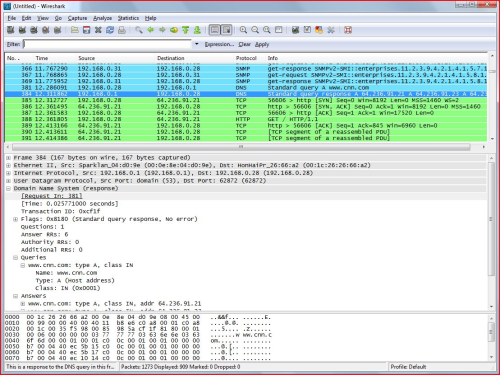
Wireshark is one of the popular free packet sniffing tools for Windows. This tool can give you an ability to see what’s happening on your network at a microscopic level. =
187 downloads
Updated
-
By Morpheus
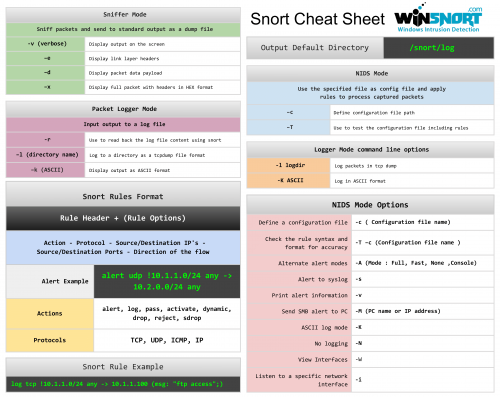
The Snort Cheat Sheet covers:
Sniffer mode, Packet logger mode, and NIDS mode operation Snort rules format Logger mode command line options NIDS mode options Alert and rule examples11 downloads
Updated
-
By Morpheus
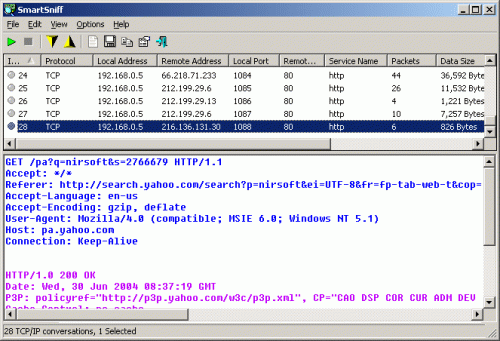
SmartSniff is yet another free packet sniffing tool that allows you to capture TCP/IP packets that pass through your network adapter, and view the captured data as sequence of conversations between clients and servers. With the help of this network monitoring utility, you can view the TCP/IP conversations in ASCII mode or as hex dump.
217 downloads
Updated
-
By Morpheus
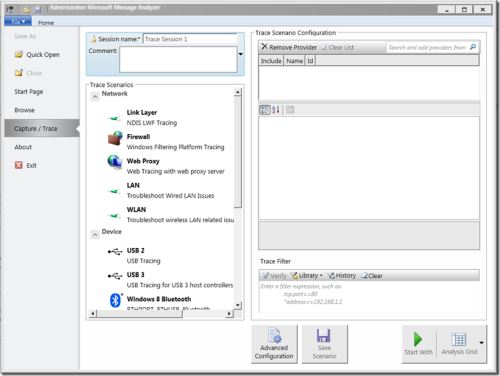
Microsoft's Message Analyzer is a tool for capturing, displaying, and analyzing protocol messaging traffic. It is the successor to NetMon 3.x and is a key component in the Protocol Engineering Framework (PEF) that was created by Microsoft for the improvement of protocol design, development, documentation, testing, and support. With Message Analyzer, you can capture live data or retrieve archived message collections from saved files such as traces and logs. Message Analyzer also enables you to display data in a default tree grid view and in selectable graphical views that employ grids, charts, and timeline visualizer components that provide high-level data summaries and other statistics.
Update: Microsoft Message Analyzer (MMA) has been retired as of November 25, 2019. There is currently no Microsoft replacement for Microsoft Message Analyzer in development at this time.
Note: I would say it’s a must have tool for Network administrator since there is so much you can do. There is a new TechNet blog dedicated for Microsoft Message Analyzer.
161 downloads
Updated
Sign in to follow this
Followers
0