

About This File
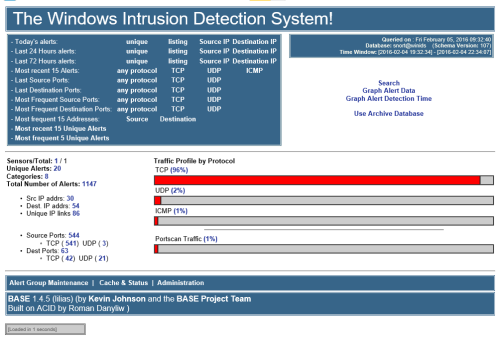
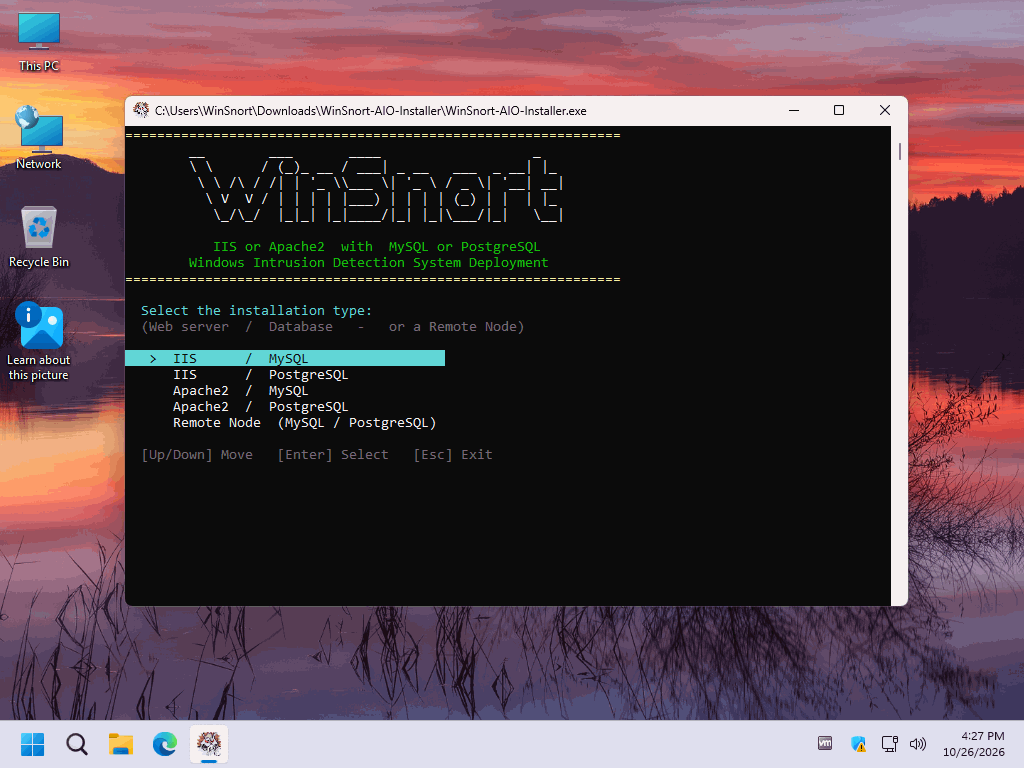
The WinSnort All-in-One (AIO) Installer is designed to simplify the deployment and configuration of a complete WinSnort intrusion detection environment through a single, menu-driven installation framework. It automates the installation of required components, Windows services, database and web server configuration, and supporting utilities, while following the same path and configuration as the original individual WinSnort installers.
The AIO Installer offers a choice of IIS or Apache2 as the web server paired with MySQL or PostgreSQL as the database engine for centralized alert logging, as well as a Remote Sensor option for reporting to an existing Master Host. The Remote Sensor option automatically reads the Master Host IP, database port, database user, and database engine from the Barnyard2 configuration, so no manual entry is required, and nothing is displayed unless an error occurs. By consolidating every deployment type into a single installer, the AIO Installer reduces manual configuration, maintains consistent installation procedures, and provides a streamlined deployment path for standalone sensors, centralized monitoring platforms, and distributed network security environments.
Complete installation instructions, deployment requirements, verification procedures, troubleshooting information, architecture details, and the final deployment checklist are included in the `AIO-Install-Guide.md` file contained within this package. Please review the included documentation before beginning the installation and retain it for future administration and troubleshooting.
PACKAGE SECURITY & INTEGRITY
Before extracting or installing the package, verify the downloaded ZIP file against the published SHA-1 hash to confirm that the archive has not been corrupted or altered.
	Archive Password : w1nsn03t.c0m
	SHA-1 Hash       : A9B72F2E82E2351E02F2758C7BB1CBC0B4F330F4
To verify the package in Windows, run the following command from Command Prompt or PowerShell, replacing the filename if necessary:
certutil -hashfile "WinSuricata-AIO-Installer.zip" SHA1
The calculated SHA-1 value must match the published value exactly. If the hash does not match, do not extract or install the package. Obtain a new copy from the authorized distribution source and perform the verification again.